

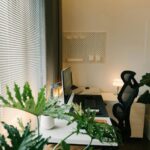

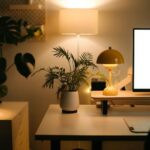




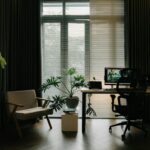
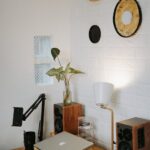
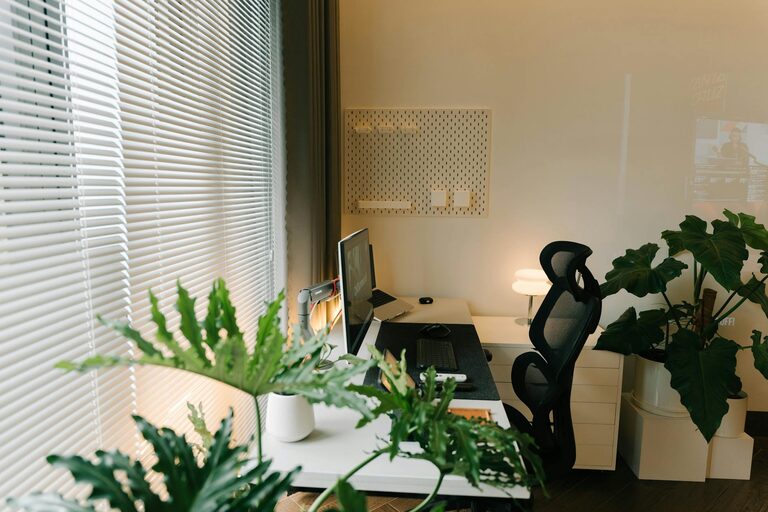
Creating a productive home office environment is essential for anyone working remotely or spending significant time on tasks at home. A well-organized, comfortable, and distraction-free workspace can improve focus, efficiency, and even your mood. Whether you have a dedicated room or a small corner, these tips will help you create a home office where you can do your best work.
Why a Productive Home Office Matters
The home office is more than just a place to sit and work; it’s the environment where you spend hours on projects, calls, and creative thinking. Setting up a productive space reduces stress and helps separate work life from home life. This balance is important for maintaining motivation and avoiding burnout.
Choose the Right Location
Find a Quiet Spot
Select a quiet area in your home with minimal distractions. Avoid high-traffic or noisy zones like living rooms or kitchens if possible. A calm environment supports concentration and reduces interruptions.
Consider Natural Light
Natural light boosts mood and energy. Position your desk near a window to benefit from sunlight during the day. If natural light is limited, invest in good quality lighting that mimics daylight to keep your workspace bright.
Invest in Comfortable and Functional Furniture
Ergonomic Chair and Desk
Your chair and desk should support good posture to prevent back and neck pain. An ergonomic chair with adjustable height and lumbar support is ideal. The desk height should allow your arms to rest comfortably while typing.
Adequate Desk Space
Choose a desk that offers enough surface for your computer, notebooks, and other tools you use daily. A cluttered desk can become a source of distraction.
Organize Your Workspace for Efficiency
Declutter Regularly
Keep only essential items on your desk. Decluttering reduces stress and helps maintain focus. Use drawers or storage containers to store supplies out of sight.
Use Organizational Tools
Desk organizers, shelves, and filing systems help keep documents and office supplies in order. Label items clearly to find them quickly.
Manage Technology Wisely
Reliable Internet and Equipment
Ensure your internet connection is stable to avoid disruptions during work calls or file uploads. Use reliable hardware such as a good-quality computer, headset, and mouse to enhance your workflow.
Minimize Digital Distractions
Turn off unnecessary notifications and use focus apps to limit access to distracting websites during working hours.
Set a Routine and Boundaries
Define Work Hours
Set clear working hours to create a routine. Having defined start and stop times helps you stay productive and supports a healthy work-life balance.
Communicate Boundaries
Inform household members about your work schedule and the importance of respecting your focused time. Use visual signals like a closed door or a “Do Not Disturb” sign when necessary.
Personalize Your Space
Add Comfort Elements
Incorporate plants, cushions, or artwork to make your workspace inviting and inspiring. A pleasant environment can boost creativity and reduce stress.
Maintain Cleanliness
Regularly clean your workspace. A tidy, fresh area encourages productivity and helps you feel more professional and ready to work.
Take Breaks and Move Around
Follow the 20-20-20 Rule
To reduce eye strain, every 20 minutes look at something 20 feet away for 20 seconds. This helps keep your eyes fresh during long screen sessions.
Stretch and Walk
Take short breaks to stretch your body and move around. Physical activity increases blood flow and enhances concentration.
Conclusion
Creating a productive home office environment is about combining comfort, organization, and technology in a way that suits your working style. By choosing the right location, investing in ergonomic furniture, managing distractions, and setting clear routines, you can turn any space into a focused and enjoyable workspace. Remember, a well-designed home office not only supports your work but can also improve your overall well-being. Start small, make gradual improvements, and find what works best for you. Happy working!