






Creating a relaxing home office environment is essential for maintaining productivity and well-being while working remotely. A serene workspace not only helps reduce stress but also improves focus, creativity, and work satisfaction. Whether you have a dedicated room or a small corner, applying thoughtful design principles can transform your home office into a productive haven.
Why a Relaxing Environment Matters
A cluttered or uncomfortable workspace can lead to distractions, fatigue, and decreased motivation. In contrast, a calming environment supports sustained attention and mental clarity. This balance is key to staying productive without feeling overwhelmed.
Choose the Right Location
Maximise Natural Light
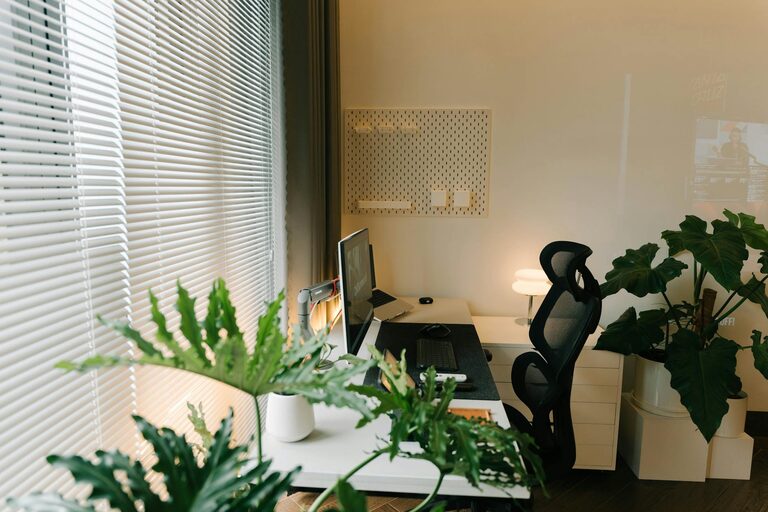
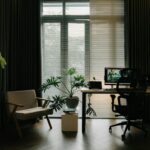
Position your desk near a window to benefit from natural daylight. Natural light improves mood, reduces eye strain, and helps regulate your body’s internal clock, which contributes to better sleep and alertness.
Minimize Noise and Distractions
If possible, select a quiet area of your home. Use noise-cancelling headphones or soft background music if external sounds are unavoidable. Clear boundaries help create a mental separation between work and home life.
Organise Your Workspace
Declutter Regularly
Keep only essential items on your desk to avoid distractions. Use storage solutions like shelves, drawers, or boxes to store documents, supplies, and electronics neatly out of sight.
Ergonomic Setup
Invest in a comfortable chair and adjustable desk. Your screen should be at eye level to avoid neck strain, and your feet should rest flat on the floor or a footrest. Good posture supports longer, pain-free work sessions.
Incorporate Calming Colours and Decor
Choose Soft, Neutral Colour Schemes
Colours like light blues, greens, or gentle earth tones have a calming effect. They create a peaceful atmosphere that helps reduce stress and encourages focus.
Personalise Your Space
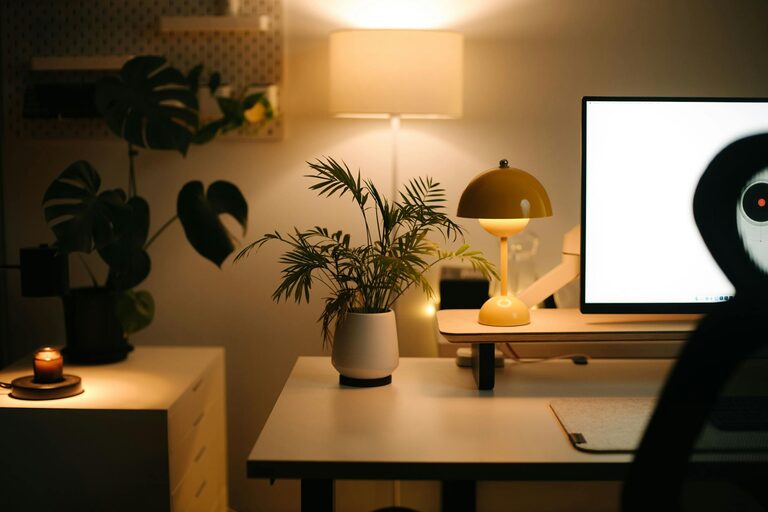
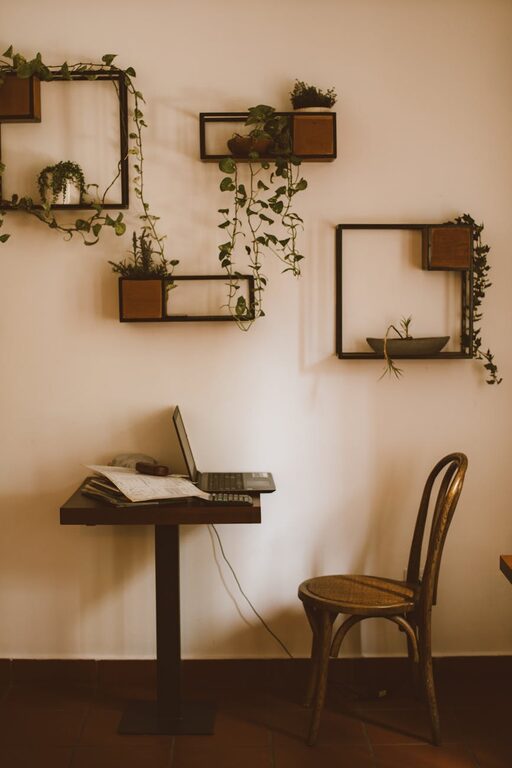
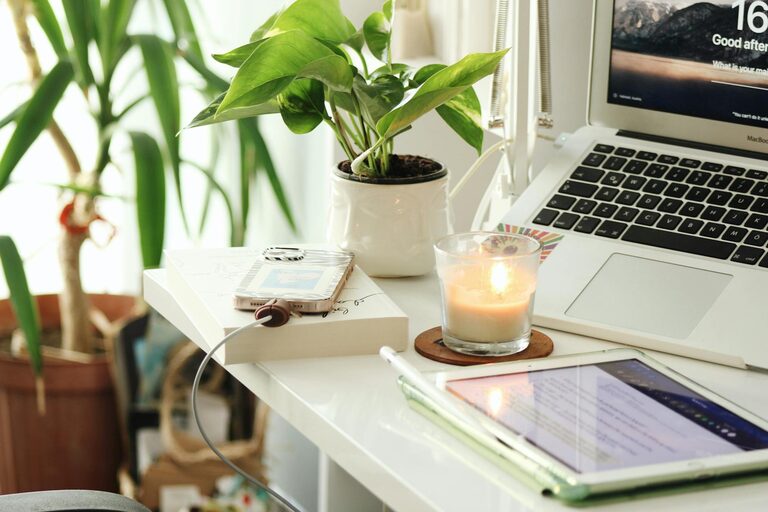
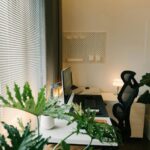
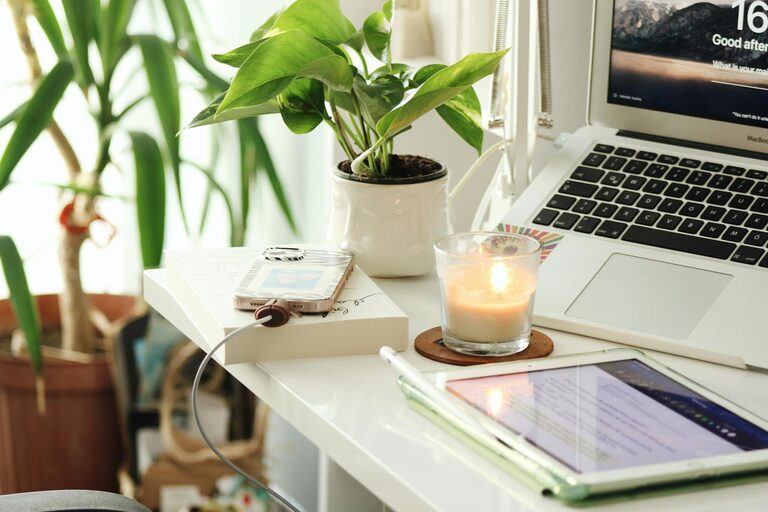
Add plants, artwork, or inspiring quotes to make the office inviting. Indoor plants not only improve air quality but also promote relaxation and creativity.
Manage Lighting and Temperature
Use Layered Lighting
Combine natural light with task lighting and ambient lighting. A desk lamp with adjustable brightness can help reduce eye strain during late hours.
Maintain a Comfortable Temperature
Ensure your workspace isn’t too hot or cold. A comfortable temperature helps maintain concentration without discomfort.
Establish Boundaries and Routine
Set Specific Work Hours
Define clear start and end times. Having a consistent schedule promotes discipline and work-life balance.
Create a Pre-Work Ritual
Develop calming rituals before beginning work, like a few stretches or deep breathing exercises. These habits prepare your mind and body to focus.
Keep Technology in Check
Limit Notifications
Turn off unnecessary alerts on your devices to minimize interruptions. Consider apps that block distracting websites during work hours.
Use Quality Equipment
Reliable hardware like a good headset, keyboard, and mouse can make work smoother and less frustrating.
Take Regular Breaks
Scheduling short breaks throughout the day helps prevent burnout. Use these moments to move around, hydrate, or step outside for fresh air.
Conclusion
Designing a relaxing home office environment takes intentional effort but pays off with improved productivity and well-being. By focusing on location, organisation, decor, lighting, and routine, you can create a space that supports your best work every day. Remember, your home office should be both functional and a calming retreat to help you thrive professionally and personally.