








Creating a home office that is both cozy and productive can dramatically improve your work-from-home experience. Whether you have a dedicated room or a small corner, designing a space that feels comfortable and encourages focus is essential. Below, you will find practical tips to help you craft a home office that suits your needs and elevates your daily routine.
1. Choose the Right Location
Consider natural light
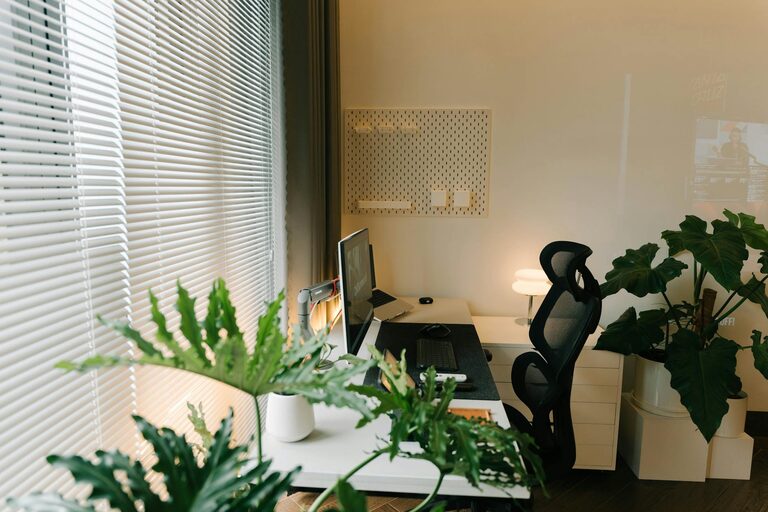
Whenever possible, place your workspace near a window. Natural light can reduce eye strain and improve mood. If natural light is limited, consider full-spectrum bulbs that mimic daylight.
Minimize distractions
Pick a quiet area away from household noise, such as TV sounds or heavy foot traffic. A secluded space helps maintain concentration and signals to others that you are working.
2. Prioritize Ergonomics and Comfort
Invest in a good chair
A supportive office chair is key to preventing back and neck pain. Look for adjustable features such as seat height, lumbar support, and armrests.
Desk height and layout
Ensure your desk is at a comfortable height where your arms rest at about a 90-degree angle while typing. Arrange your monitor at eye level to avoid straining your neck.
Include soft furnishings
Add cushions, a footrest, or a soft rug for additional comfort and warmth. These touches can make your home office more inviting and reduce fatigue.
3. Organize Your Space Effectively
Declutter regularly
A cluttered desk can hinder focus. Keep only essential items on your workspace and store the rest neatly in drawers or shelves.
Use storage solutions
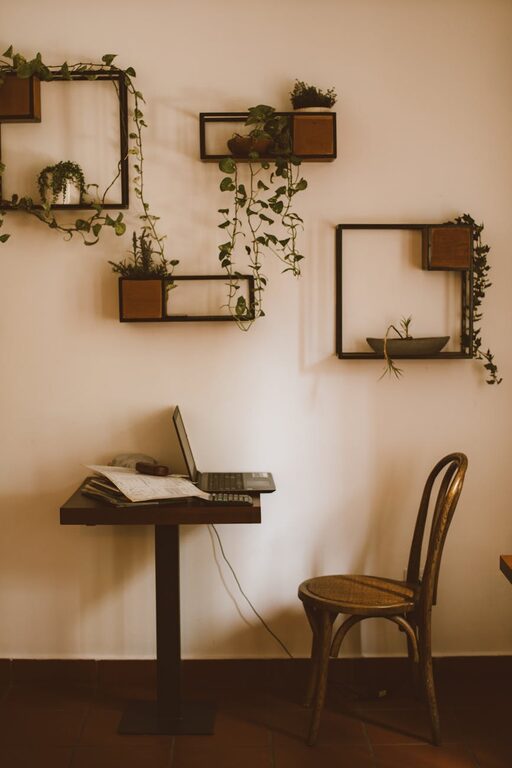
Desk organizers, filing cabinets, or wall shelves help keep documents and supplies tidy and accessible.
Cable management
Use clips, sleeves, or under-desk trays to keep cords organized and out of sight, which improves safety and visual appeal.
4. Personalize Your Workspace
Add inspiring decor
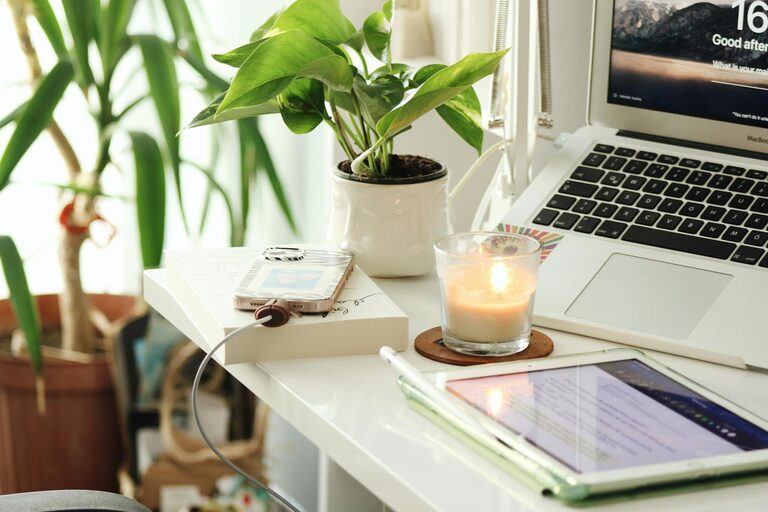
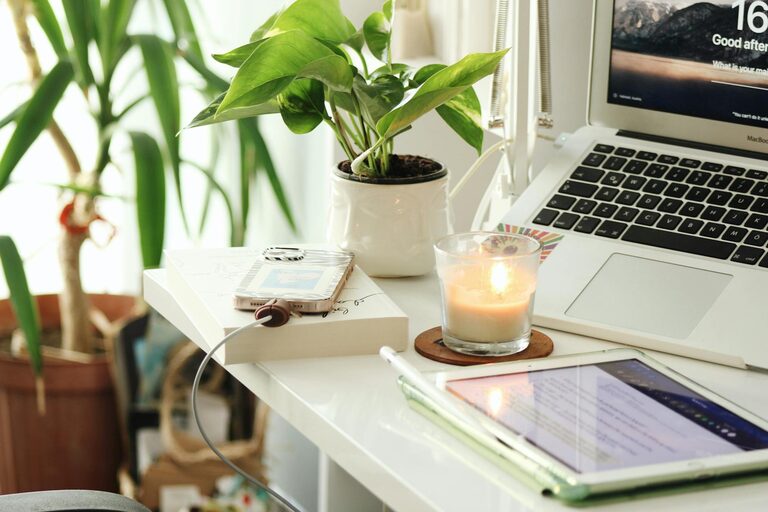
Include artwork, plants, or photos that motivate you. Plants, in particular, can improve air quality and add a touch of nature.
Choose soothing colors
Soft, neutral tones or pastels create a calm atmosphere, while bursts of your favorite colors may stimulate creativity.
5. Optimize Lighting for Every Task
Layer your lighting
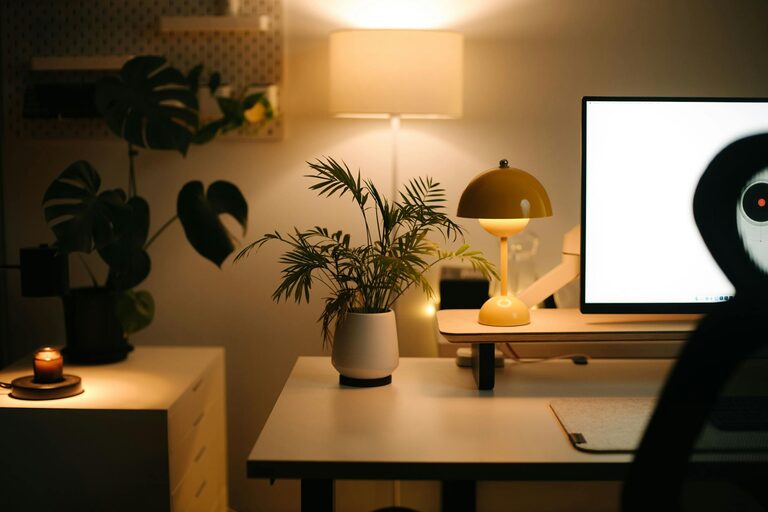
Besides natural light, use a combination of overhead lighting and task lamps. Adjustable desk lamps help focus light where needed without glare.
Avoid screen reflections
Position lamps so they don’t shine directly on your computer screen, preventing eye strain.
6. Create Boundaries to Separate Work and Personal Life
Define your workspace visually
Use rugs, room dividers, or furniture arrangement to demarcate your office area. This helps your brain switch between work and relaxation modes.
Establish routines
Start and end your workday at consistent times. When you finish, physically leaving your workspace can improve work-life balance.
7. Incorporate Technology Wisely
Use quality equipment
Reliable hardware such as a fast computer, ergonomic keyboard, and a good microphone enhance comfort and productivity.
Manage notifications
Set ‘do not disturb’ settings during focused work periods to avoid unnecessary distractions.
8. Keep the Air Fresh and Comfortable
Ventilation matters
Air circulation helps maintain energy and comfort. Open windows when possible or use an air purifier.
Adjust temperature
Make sure the room is neither too hot nor too cold. Personal fans or heaters can help regulate your environment.
—
By thoughtfully combining comfort, organization, and functionality, you can create a home office space that supports your work and wellbeing. Take your time making adjustments, and remember that the perfect setup is one that adapts to your personal needs and preferences. Happy decorating!